Since version 1.16 of Rakura
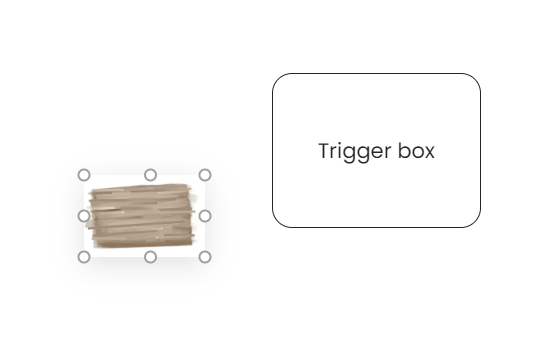
You now have the ability to create trigger boxes that allow events to be played when you place elements inside them.
How does it work?
Trigger boxes can only be used in Interface mode.
- Open your project and select the room where you want to set up your trigger box.
- Add the Trigger component to your room, then position and style your trigger as you wish.
- Add a Text or Image component and enable the option "Allow players to move this text in the room" or "Allow players to move this image in the room".
- Make sure that the size of your Text or Image component is smaller than the size of your trigger box.
- Edit your trigger box; you can now add entry and exit events.
Entry and exit events
Entry events refer to the events that will be played when a component is moved onto the trigger box. When the component leaves the trigger box, the exit events will be played.
You can decide how the trigger is activated depending on the component placed on it. If you want a specific component to trigger the events, you can set up a condition of the type "Lock value is equal to", and enter the component ID in the field "Expected lock value". You can then add events inside this condition. These will be played when the correct component is placed on it.
You now know how to set up trigger boxes.